
MOV to Text · AI-Powered · 98%+ Accuracy · 50+ Languages

MOV to Text Converter

Upload your MOV video and let AI automatically extract the audio and transcribe speech into searchable, editable text. Built for Apple users — no format conversion needed.

Drop your file here or click to browse

Maximum file size: 500 MB

MP3WAVMP4MOVM4AWEBM
Export as:TXTSRTVTTDOCXJSON
AI engine ready

98.5% accuracy · ~30s avg · End-to-end encrypted

AI_Podcast_AI Transforms Student Engagement
5m 23sAudio
20 Minutes to Master Meeting Notes with AI
3m 17sAudio
Google Gemini Deep Research Updates are INSANE
6m 51sAudio
How to learn any language in six months | Chris Lonsdale | TEDxLingnanUniversity
10m 37sYouTube
Step-by-Step Guide

How to Convert MOV to Text with AI?

Convert MOV video to text quickly and effortlessly.

1
Step 1

Step1: Upload Your MOV Video

Upload your MOV file — whether it is an iPhone video recording, a QuickTime screen capture, a Final Cut Pro export, or a Mac webcam recording. The tool accepts MOV videos up to 2 hours long. No need to convert to MP4 first — MOV is handled natively with no quality loss from re-encoding.

2
Step 2

Step2: Convert MOV to Text with AI

Our advanced AI automatically extracts the audio track from the MOV container and runs speech recognition. Apple devices and software produce clean, well-encoded audio by default — the engine takes full advantage of this, delivering 92–97% accuracy for clear speech. A 30-minute MOV typically transcribes in 60–90 seconds. The interactive transcript includes timestamps — click any line to jump to that exact moment.

3
Step 3

Step3: Review and Export Your Transcript

Once transcription is complete, review the generated text in the interactive editor. Correct any words, add speaker labels, or split paragraphs. Export as TXT, DOCX, or PDF for documents. Export as SRT or VTT for subtitles — formatted for immediate upload to YouTube, Vimeo, and most video platforms.

Use Cases

Why Our MOV to Text Technology Stands Out?

Native MOV Support — No Format Conversion Required

Most transcription tools default to MP4 support, leaving Apple users with an extra step: convert MOV to MP4 before uploading. Audiotranscription.io accepts MOV natively. iPhone recordings, QuickTime screen captures, Final Cut Pro exports — upload them directly. No HandBrake, no VLC export, no online converter. One less step between you and your transcript. The audio track is extracted and transcribed without re-encoding, preserving the quality your Apple device captured.
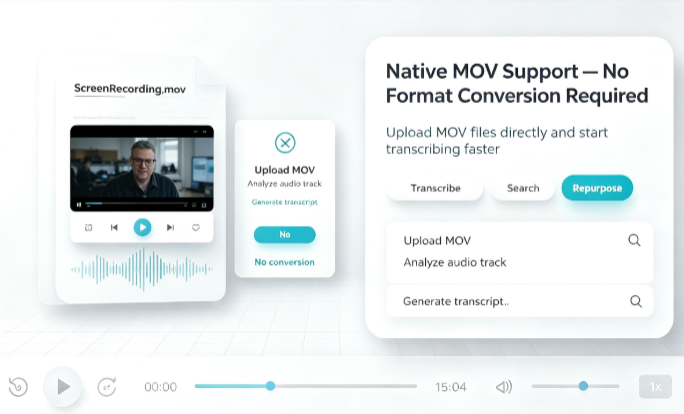
Native MOV Support — No Format Conversion Required

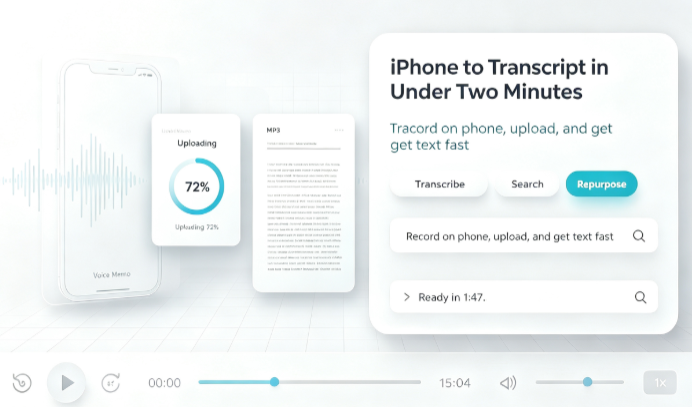
iPhone to Transcript in Under Two Minutes

You recorded an interview on your iPhone. The MOV is sitting in your Photos library. Open Safari, go to the MOV converter, upload the file, and get the transcript — all from your phone. No computer needed. No app to install. No AirDrop, no cable, no waiting until you are back at your desk. The entire workflow fits between the end of your interview and the start of your coffee. For journalists, content creators, and anyone who records on iPhone, this is the fastest path from spoken word to written text.

iPhone to Transcript in Under Two Minutes

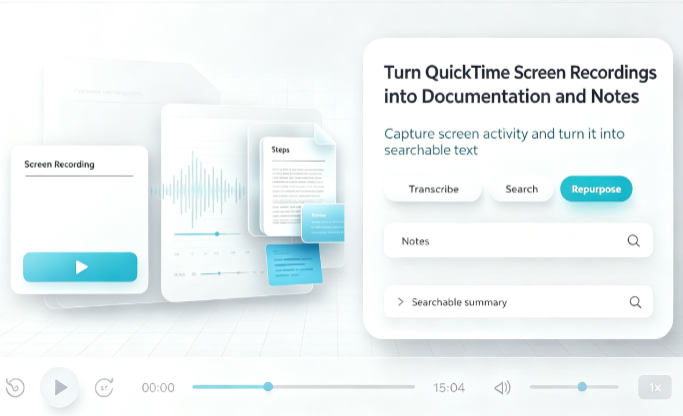
Turn QuickTime Screen Recordings into Documentation and Notes

QuickTime screen recordings are one of the most underutilized sources of text content in the Apple ecosystem. Design walkthroughs become documentation. Lecture recordings become study guides. Stakeholder presentations become meeting notes. Client demos become follow-up summaries. Upload the MOV, get the transcript, and turn hours of recorded video into searchable, shareable text — without rewatching a single frame.

Turn QuickTime Screen Recordings into Documentation and Notes
FAQs

Frequently Asked Questions

Got Questions? We've Got Answers!

A MOV to Text Converter is a tool that automatically extracts the audio track from MOV video files — Apple's native video format — and converts spoken words into written text using AI speech recognition. It works with MOV files from iPhones, QuickTime Player, Final Cut Pro, and other Apple software.

Start Converting MOV to Text Today

Transform MOV videos into accurate text and subtitles in just a few clicks. Use our AI-powered MOV to text converter and turn your iPhone recordings, QuickTime captures, and Final Cut Pro exports into searchable, actionable transcripts instantly.